Anthropic Lets Claude Code Desktop Resume CLI Sessions
Anthropic updated its Claude Code desktop app to support the /resume command, allowing developers to seamlessly transition terminal-based coding sessions into the graphical interface.
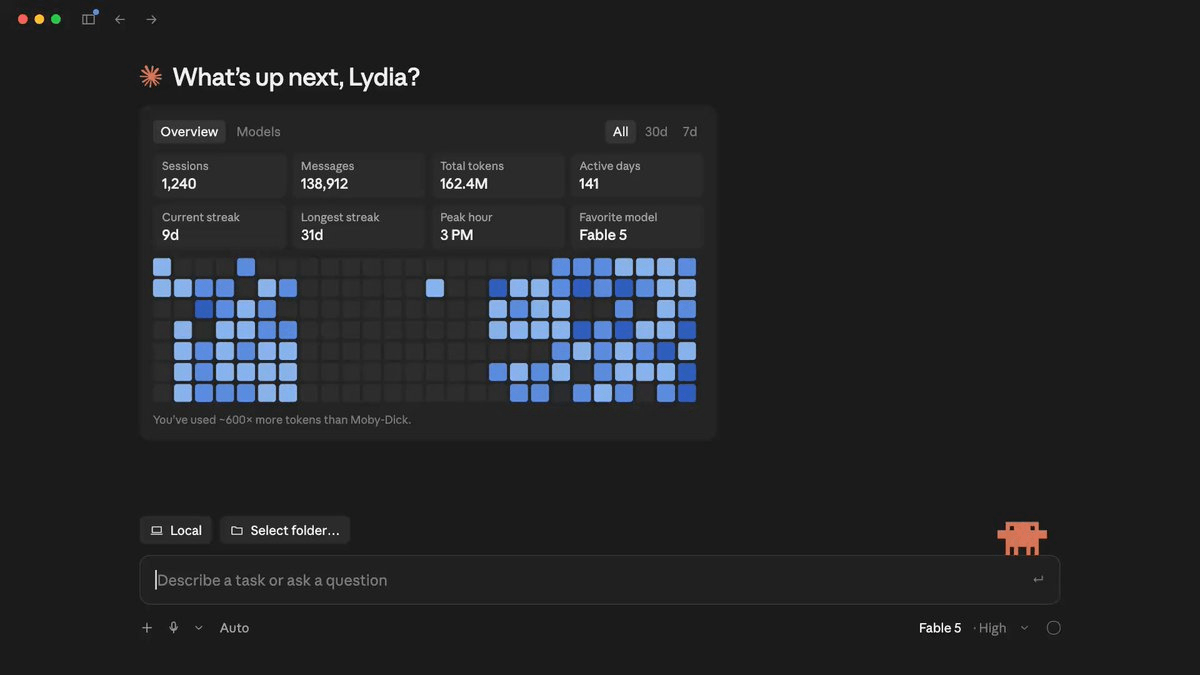
Anthropic has resolved a prominent workflow bottleneck for developers using its Claude Code assistant. By introducing the /resume command to the desktop application, the company has bridged the gap between terminal and desktop environments. Previously, as highlighted in GitHub issue #50067, developers who started a session in the command-line interface (CLI) could not easily transition their work to the desktop client without losing their progress. Now, users can run the slash command in the desktop app to open a session picker and instantly load their CLI conversations.
The integration relies on locally stored JSONL transcripts, which Claude Code saves under the ~/.claude/projects/ directory. When a developer resumes a session, the desktop app restores the complete conversation history, including previous tool calls and their results. It also preserves the active model, the agent's system prompt and tool restrictions, the permission mode, and any active goals or scheduled tasks.
However, certain command-line configurations do not carry over automatically. Developers must manually re-pass flags such as --mcp-config, --settings, --plugin-dir, --fallback-model, and directories specified with --add-dir upon resuming. Standard configurations in settings.json are re-read at launch. On the CLI side, developers can still use claude --continue to resume the most recent interactive session, claude --resume to load a specific named session, or /resume to switch conversations. Naming sessions using claude -n or /rename remains highly recommended for organization.
This update specifically targets the bridge between CLI transcripts and the desktop client. The web version of Claude Code and the VS Code extension continue to maintain their own isolated session histories. The feature is available immediately to all users with an up-to-date desktop application, requiring no additional fees, new model access, or rollout waiting periods.
This is our own summary of reporting by AlphaSignal